Mayor Garcetti Introduces New Metro TAP App – Riders Can Now Use Phone To Pay Fare

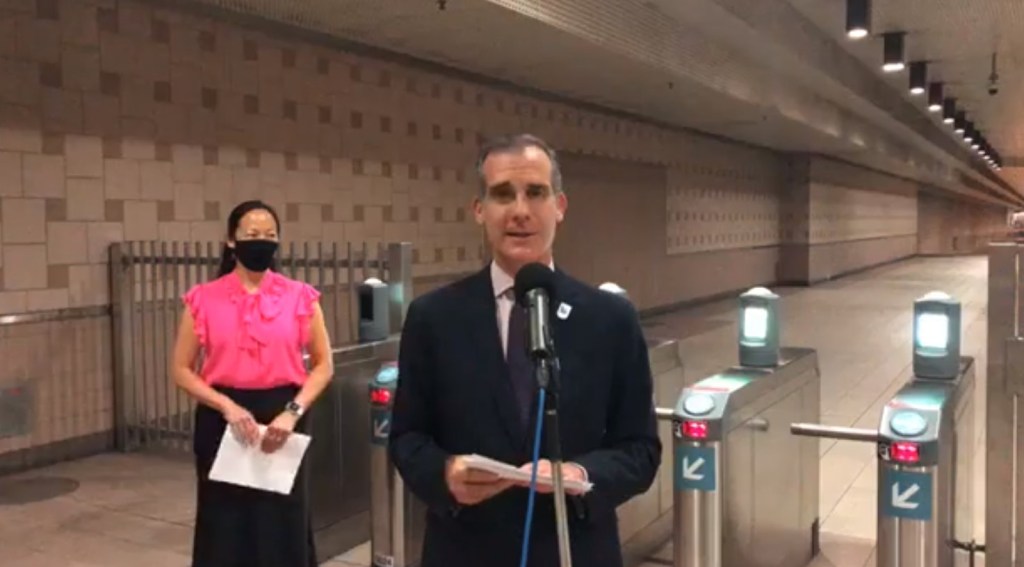

This morning L.A. Mayor and Metro Board Chair Eric Garcetti announced the new Metro TAP App. He enthused that it was “like having a vending machine and a TAP card right in your fingertips.” Metro Chief of Staff Nadine Lee called the new fare payment option “safer, easier, more convenient… [and] completely touchless.” The latter is, of course, important during the COVID-19 pandemic, though Metro has effectively suspended fare payment. Instead of TAP contact, one simply waves one’s phone near the TAP card reader.
The phone payment option is currently available on Apple Wallet devices only, with Android coming “this Fall.” TAP App payment can be used on Metro bus and rail, L.A. County municipal bus operators, and even Metro Bike Share. The application is available for reduced fares for students, seniors, people with disabilities, and low-income riders. In the past, money added to a TAP card online did not appear immediately. With the new app, this delay has been fixed, and payments appear in real time.
Per Metro’s The Source, here are the steps to install:
- Open the Apple Wallet app on your iPhone.
- Tap + at the top right corner of your screen
- Under ‘Transit Cards’ select TAP – Greater Los Angeles and follow the instructions to add a TAP card. You will then be asked to add Stored Value via Apple Pay.
- To add a TAP card to your Apple Watch, follow the same process as above; just start in the Apple Watch app on your iPhone.
There’s also a new “TAP LA” iPhone app for transferring existing TAP card balances to Apple Wallet, managing one’s TAP account, and buying passes (one-day, seven-day, and thirty-day, including reduced fare versions of these.)
Streetsblog has migrated to a new comment system. New commenters can register directly in the comments section of any article. Returning commenters: your previous comments and display name have been preserved, but you'll need to reclaim your account by clicking "Forgot your password?" on the sign-in form, entering your email, and following the verification link to set a new password — this is required because passwords could not be carried over during the migration. For questions, contact tips@streetsblog.org.